March WordPress St. Louis Developers Meetup

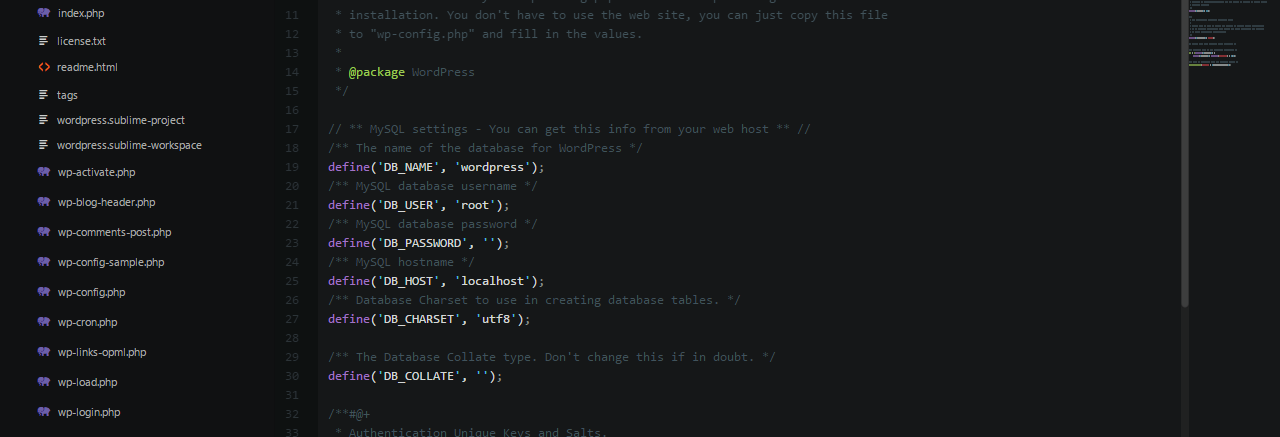
This month, I presented on the WordPress database and discussed the tables, how to use the wpdb class and how to create your own custom tables. You can view the presentation here:

Other Things Mentioned

  • I mentioned that everyone interested should try taking the WordPress quiz from Code Poet.
  • People want a re-poll for the best Monday of the month
  • Next month’s topic will be Enterprise Deployment and Setup (a round table discussion about our experiences)
  • An interesting idea that I hadn’t though of was instead of storing serialized data in the database, store it as JSON instead. I’m going to do some research on this.

February WordPress St. Louis Developers Meetup Notes

The second every St. Louis WordPress developers meetup has come to a conclusion. Here are some notes that I took during the meetup.

Security Best Practices Discussion

Basics

  • Don’t use admin as your default username
  • Change the default table prefix to something unique
  • Consider moving your wp-config.php outside of your website root folder
  • In code, check user permissions before running actions or even displaying the page
  • Sanitize database inputs

Security Plugins to Check Out

Other Security-related Discussion

I can see this turning into a total flame war, but choosing another cms because it isn’t used as much for added security. For example, choosing Drupal over WordPress since WordPress is targeted for attacks more because it is more widely used. Again, I’m not trying to start a flame war, just adding this to the list since someone mentioned it. Side note: this is totally how I feel about the Windows vs. Mac debate for security. Windows has more vulnerabilities because there are more people to harm by looking for vulnerabilities on Windows. You can affect a larger percentage of people by going with the big dog.

Group Project

We talked last month about possibly working on a group project together for the hell of it. Some ideas were thrown out for plugins:

  • Forums
  • Wiki
  • Project management system
  • Picking up an abandoned plugin
  • Writing blog content about WordPress development

March Meetup Topic

WordPress Database/Table Management Best Practices

Here is a list of the things I would like to see Paul and myself cover:

  • Dive into the WordPress tables and see what they actually hold
  • Talk about some of the functions available in $wpdb
  • Talk about integrating with the posts table
  • How to create your own database tables for your plugins.

New Plugin: Speak Pirate

Argh mateys! Shiver me timbers! Sometimes it feels good to step out of your normal coding routine and do something a little different.

Yesterday, @arod2634 posted this tweet:

One of the APIs listed was a pirate translation api that would take English and turn it into the equivalent as a pirate would say it. What better way to put it to use then make a WordPress plugin out of it: Speak Pirate.

This new plugin be hot off yonder press and working hard to convert ye plain text into pirate jargon. Simply use ye new shortcode [speak_pirate] around ye text you want translated and it shall be done.

[speak_pirate]Text to translate goes here[/speak_pirate]

Enjoy, ye land lubbers!

Hungry For More Information?

Here is the commented code:

WordPress St. Louis Developers Meetup Notes

Tonight marks the first night of a meetup in St. Louis for WordPress developers! I know, exciting times right? Tonight’s meeting was more of a planning meeting for the future of the group.

When and where will we meet in the future?

It was suggested that we meet at 6:30 instead of 6 pm. We are going to post another poll for the group to figure out the optimal week for the meetup. Apparently the STL Ruby group meets on the 2nd & 4th Monday of the month. And the regular WordPress meetup group meets the 3rd Wednesday of the month. I think the consensus is to stay with Mondays, just figure out the best week for it. The location will stay as Integrity Corporation for the time being.

Suggested Topics for Group Discussion/Presentation

  • Theme review
  • Code review
  • Enterprise deployment and setup
  • How to create a plugin from scratch
  • Security best practices
  • Speed optimization for WordPress
  • Discuss your development environment (how do you make your WordPress magic happen)
    • What tools do we use? (IDE and other useful tools)
    • Testing environment (PHPUnit, etc)
  • Actions and filters
  • Rewrite Endpoints
  • Using WordPress as a service (REST, XML-RPC)
  • Advanced Custom Fields
  • Database/table management best practices
  • Exploring the WordPress database (talk about the tables and how they tie together)

Other Stuff

We also talked about working on plugins/themes together as a group. And we talked about creating an organization on GitHub to host the code. I’m really excited to see what we come up with as a group! Please leave comments below for anything that I left off, or other topics to discuss.

Object-Oriented Plugins for WordPress

Making your WordPress plugins (and themes for that matter) object-oriented definitely has it’s benefits; most notably not running into naming conflicts with other functions. You are essentially creating a new workspace for your functions to live and could have the same function name as found in the WordPress core.

How to Get Started?

Plugin Declaration

The first part of the code is your plugin declaration in the commented out lines. This is required by WordPress!

Class Declaration

You will have to create a unique class name for your plugin. Once you’ve figured out what to call it, you’ll want to add a __construct() function to it. This is typically where I will put all of my actions and filters, along with any special initialization code for my plugin.

Actions and Filters

This line may look a little different from normal add_action() and add_filter() calls. For our second parameter, instead of passing a string for our function name, we are passing an array containing our class object, $this, and the corresponding function in our class, admin_init. The function name is arbitrary; it could be erics_super_awesome_admin_function for all WordPress cares. I typically name my function the same thing as the action or filter for clarity on my end. It seems easier to find things that way to me, and I know precisely when it’s going to happen.

Instance of Class

This is a major step. If you forget this, your plugin (or theme) won’t work. We have to create an instance of our class for the code to run. I’ve created a new variable named $my_object_oriented_plugin that contains an instance of the class.

Questions?

Fire away in the comments.

I would highly recommend that anyone doing WordPress plugin or theme development look into writing object-oriented code. It’s not as hard or scary as people think it is.

Keyboard Shortcuts on the Mac

A coworker and I recently decided to try switching to the Mac from Windows  7. We have been using Mac hardware and have just used Bootcamp to run Windows 7. I feel I’ve been adjusting fine so far except for the keyboard shortcuts!

As a developer, I spend a lot of time working with text editors/development studios. I’m unsure why Apple feels it has to be different when it comes to keyboard shortcuts. The Command key, I understand, but I’m having the hardest time going from the beginning of a line to the end of the line. On Windows (and Linux) to go to the end of the current line, you simply hit the End key. Pressing the End key on a mac will bring you to the end of the document. Same for the Home key; it brings you to the beginning of the document on Mac, instead of to the beginning of the current line on Windows (and Linux).

If something is going to convince me to switch back to my nice, comfy pc, it’ll be the keyboard shortcuts!

Edit: Oh, lifehacker, you never fail me! Let that be a lessons girls and boys…always google before griping!